 TipCatter
Your caton paper
Send one photo of your cat. The AI draws it facing you and again with its mouth wide open, then lays both out on a sheet you print, cut and fold.
US$2.99 · On the App StoreFrom photo to toy
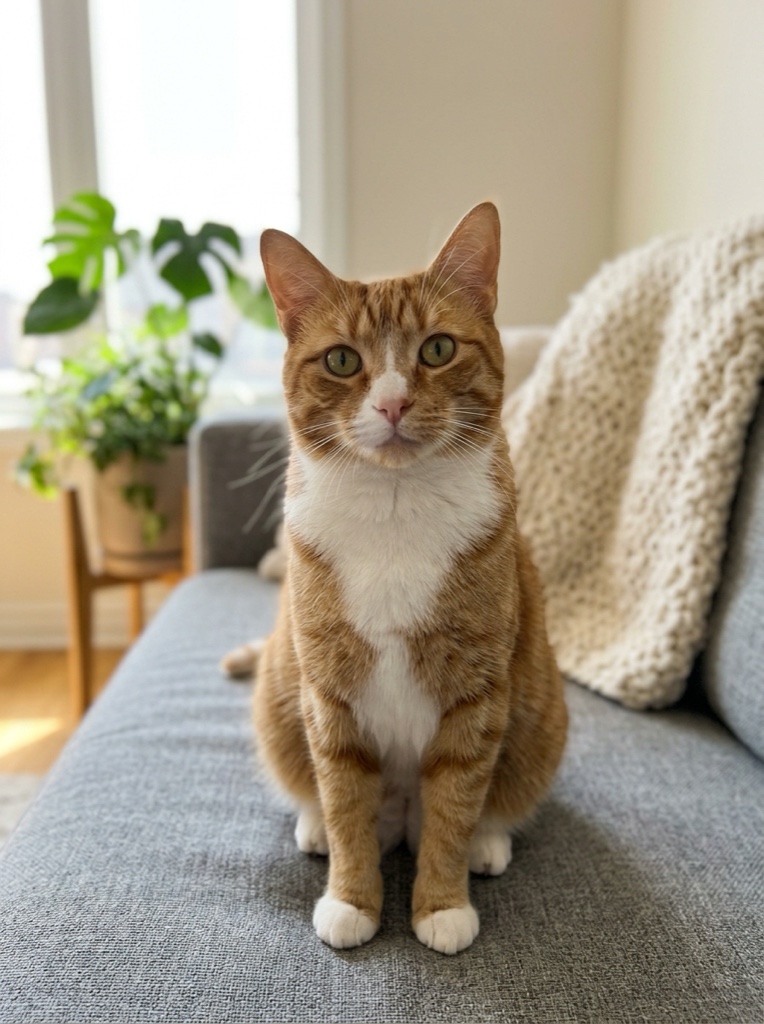
First, any photo of your cat.
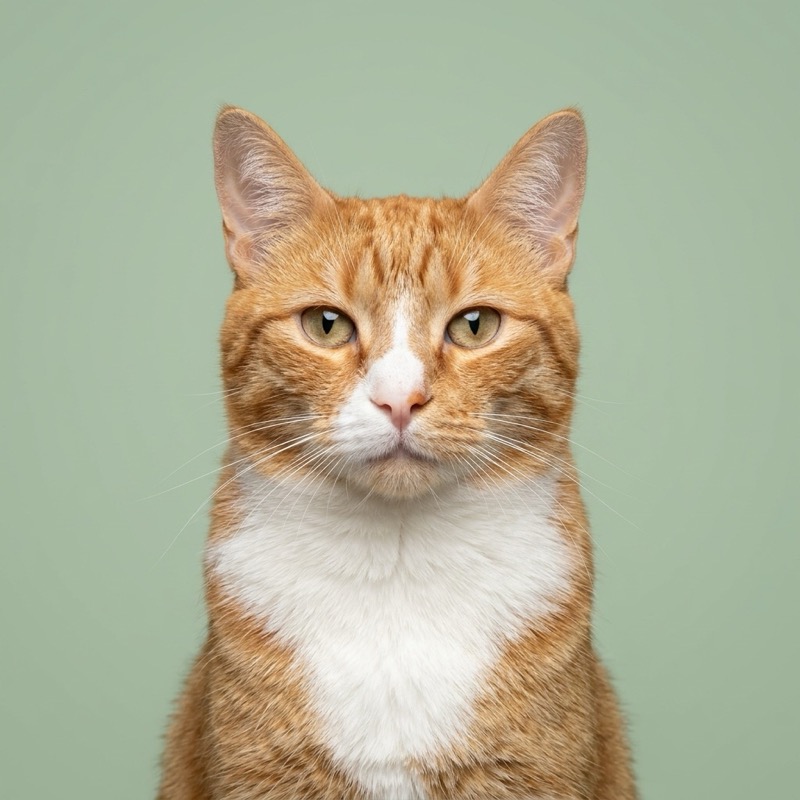
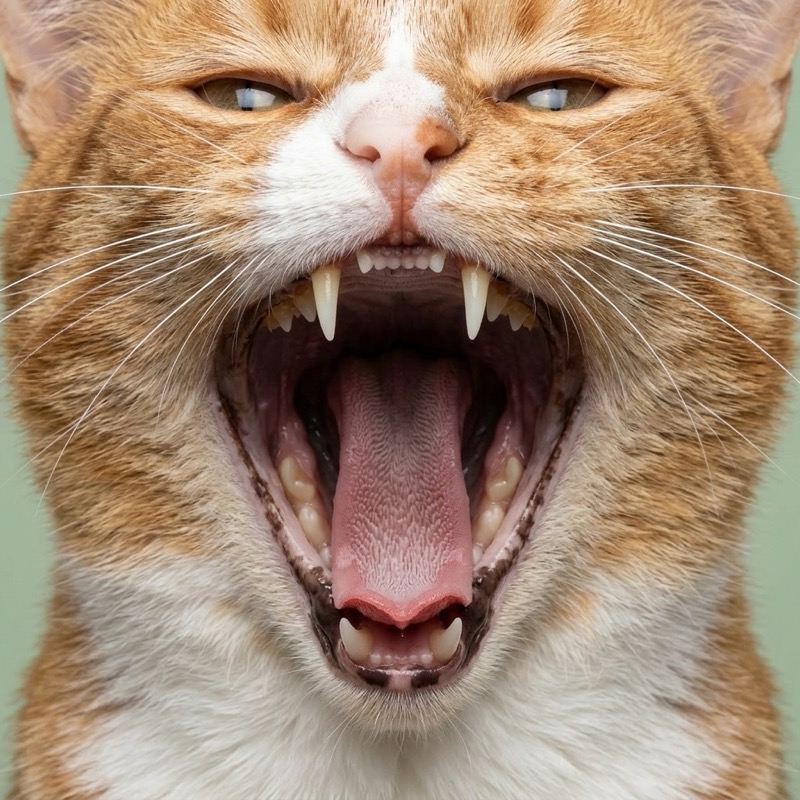
Then the AI draws its face and a yawn.
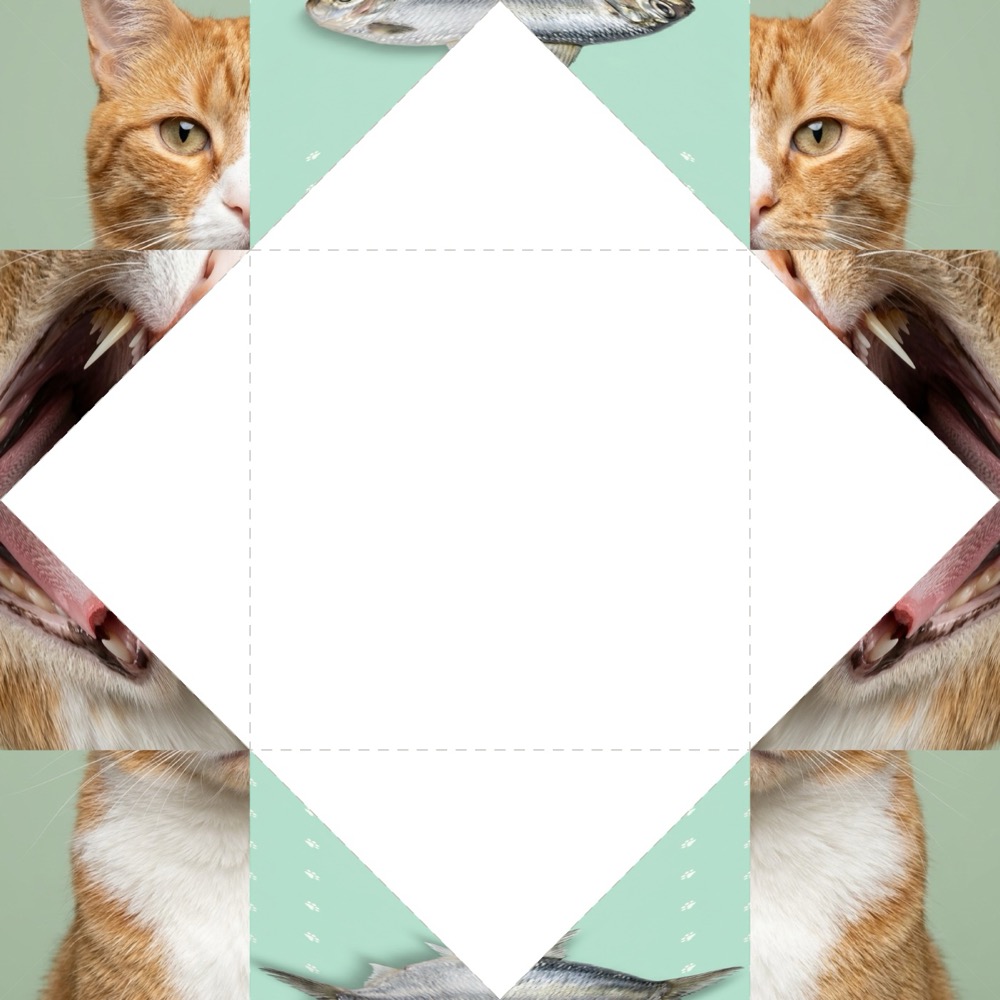
You print the sheet, cut it and fold it.
Fingers in. It meows.
Dress it up
The AI can draw your cat as it is, or in costume. There are 18 themes: here is every one.
Why I made it
Why I made it
It started with my daughter
The idea came from my daughter: a paper fortune teller with our cat's face on it. I set out to make her one. Finding a template took a minute; the internet is full of them. And paper is the point: you cut it, fold it wrong, fold it again and carry it in a pocket.
The hard part was the photo
The toy needs your cat looking straight at the camera, and then again with its mouth wide open. No cat does either on request. After that you line both pictures up in Photoshop so the face meets on the folds. I gave up on the photo shoot and asked an AI to draw the two portraits from one ordinary photo, keeping its fur and its eyes. It worked.
So I built the app
TipCatter is the app I wish I'd had that afternoon. It sends your photo, gets the two portraits back, finds the eyes and mouth with a small model so everything lands on the folds, and lays out a sheet ready for A4, Letter or A3. I tested it on 25 sample cats before showing anyone. And if you would rather skip the AI, you can frame the photos yourself: that is free and nothing leaves the phone.
One payment
TipCatter for iPhone
- 7 cat lives included: 7 cats drawn by the AI
- Making it yourself from your photos: free, unlimited
- 18 themes to dress it up
- Sheet for A4, Letter or A3
- 26 sample cats and 25 surprises
- In English and Spanish
People ask
Where does my photo go?
If you choose the AI, the photo travels to our service, which first checks that it shows a cat and no person, and from there to Google's Gemini, which draws the two portraits. Our service deletes the photo and the drawings as soon as it answers; they stay on your phone.
If you make it yourself, nothing leaves the phone.
What is a fortune teller?
The folded paper toy you open and close with four fingers. Some call it a cootie catcher; in Spanish, a comecocos or sacapiojos. Ours shows your cat's face when closed, its mouth when opened one way and a surprise when opened the other.
Can't I just use a free template?
You can, and making it from your own photos in the app is free too. The AI is for the part templates don't solve: a clean portrait of your cat facing you, and another with its mouth open.
What do I need to make one?
A printer or a copy shop, one sheet, scissors and two minutes. The app saves a PDF and carries the folding instructions. Without a printer you can still play it on screen.
And after the 7 cat lives?
The 7 never expire. Once they are used, making it yourself from two photos stays free for good. More cat lives will come in an update.
Is the drawing really my cat?
It is an AI drawing made from your photo: very close, but not a photograph. Sometimes it gets a detail wrong, such as the colour of one eye. That is why you can adjust the framing or make it again.